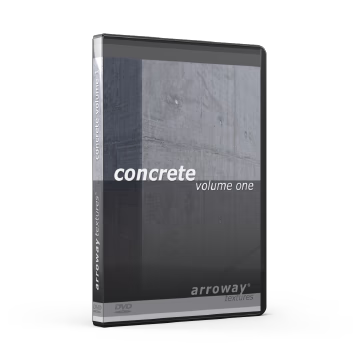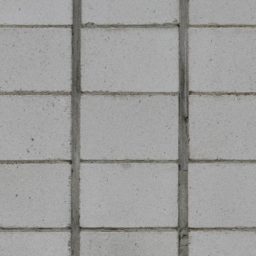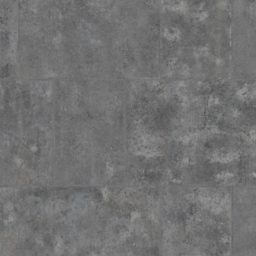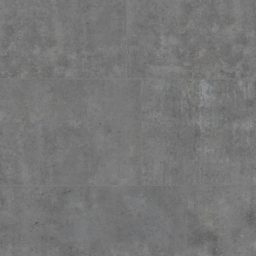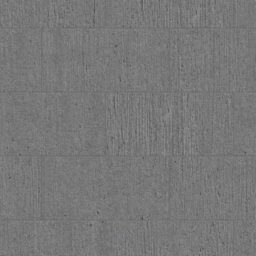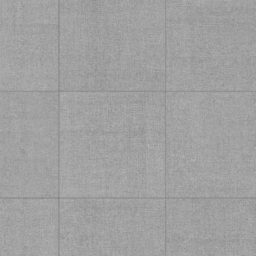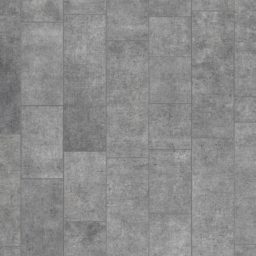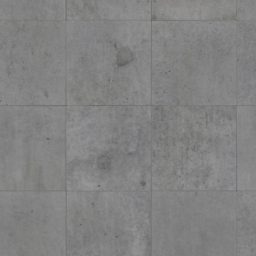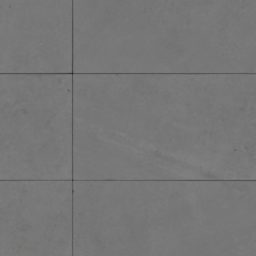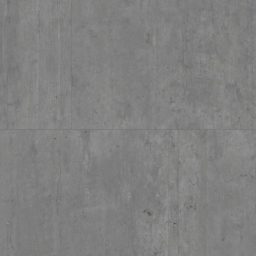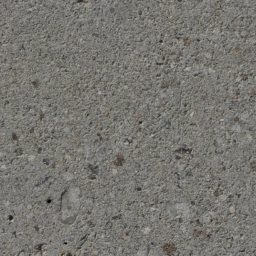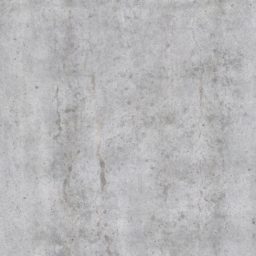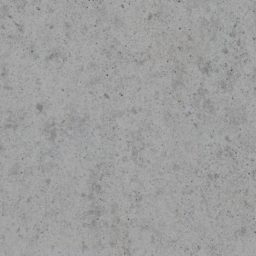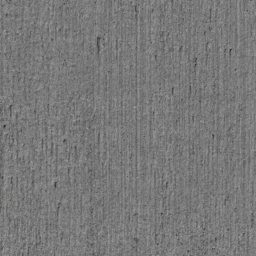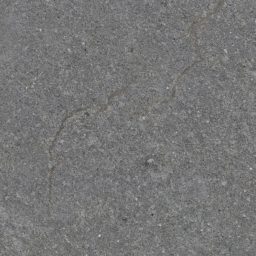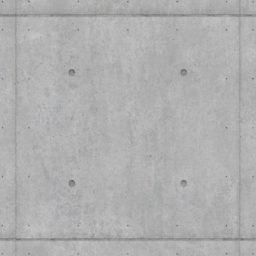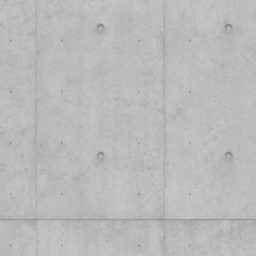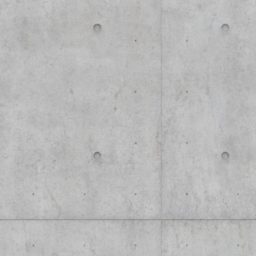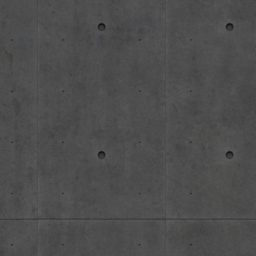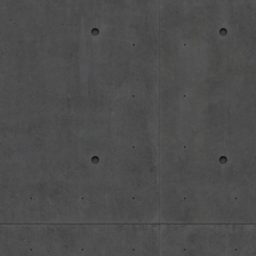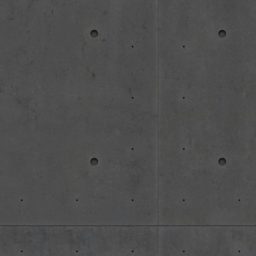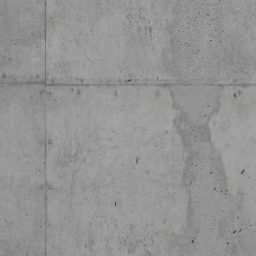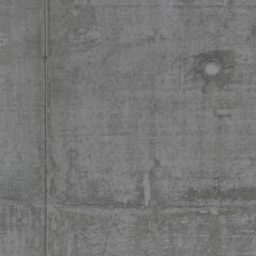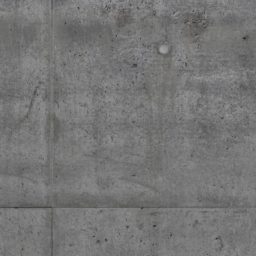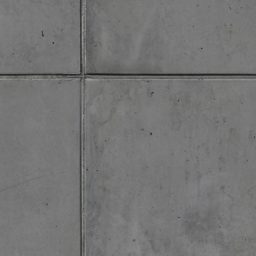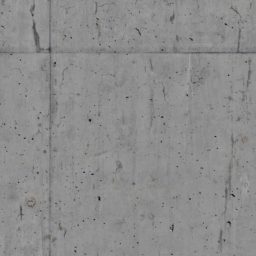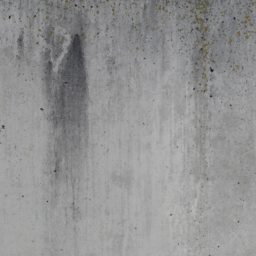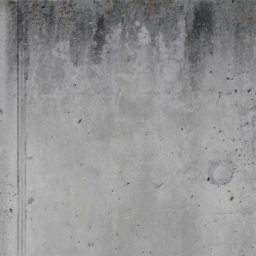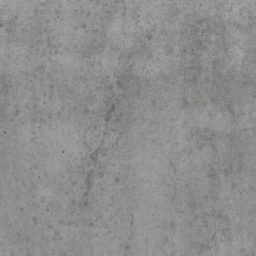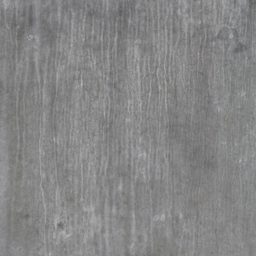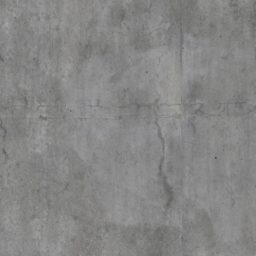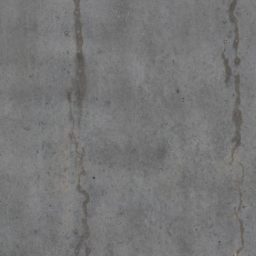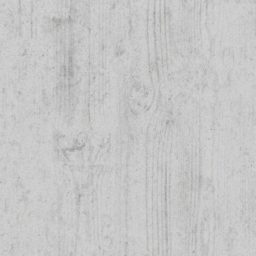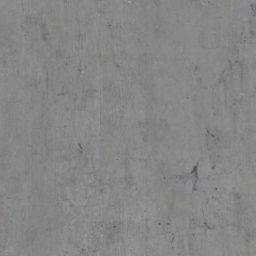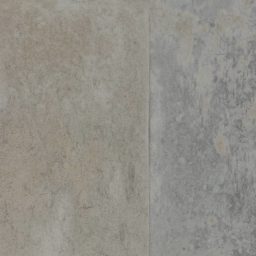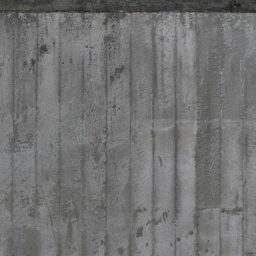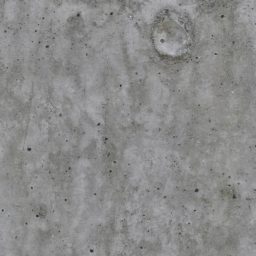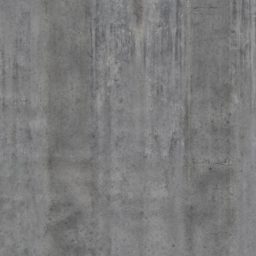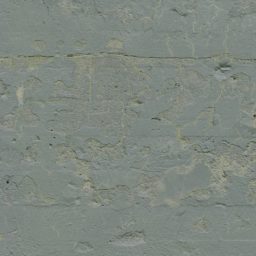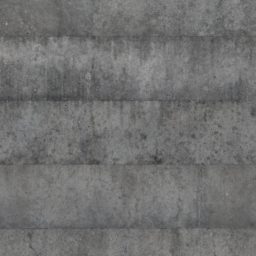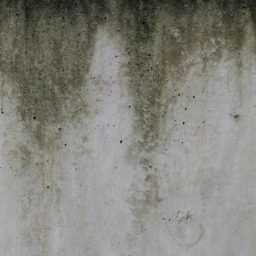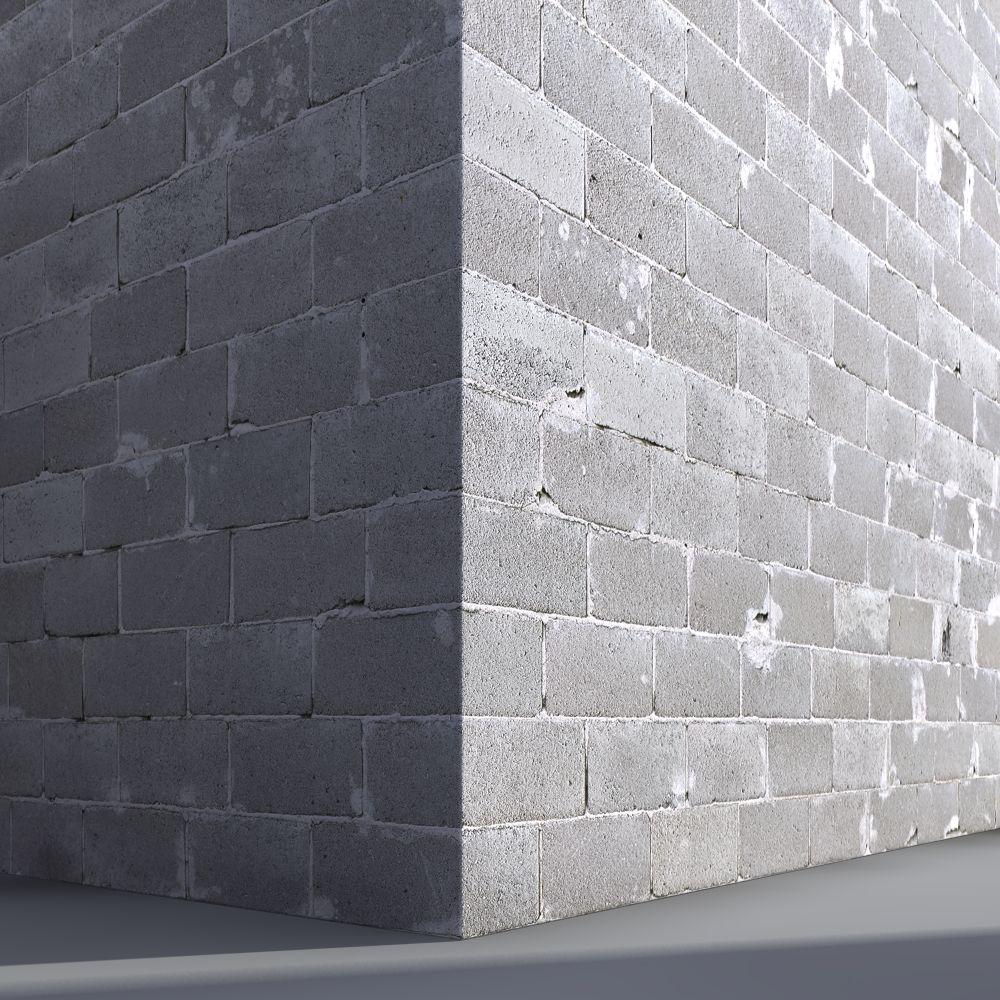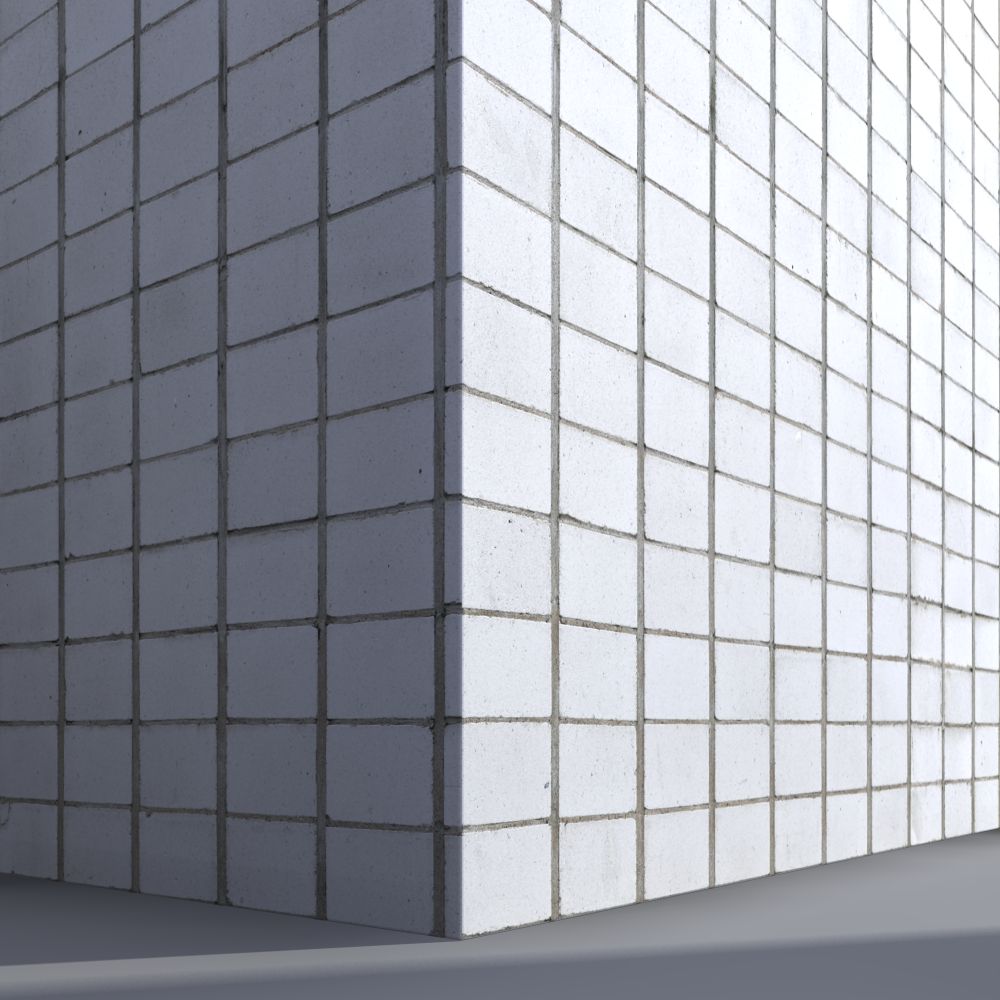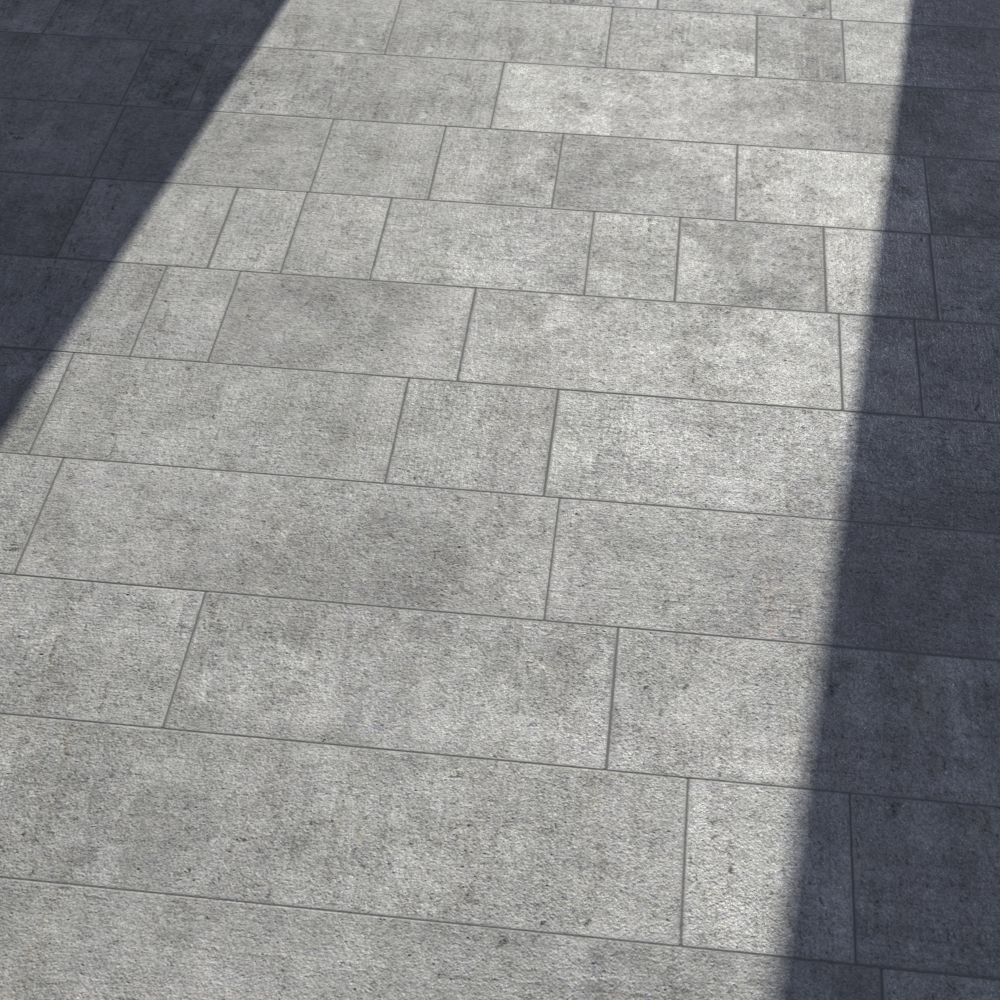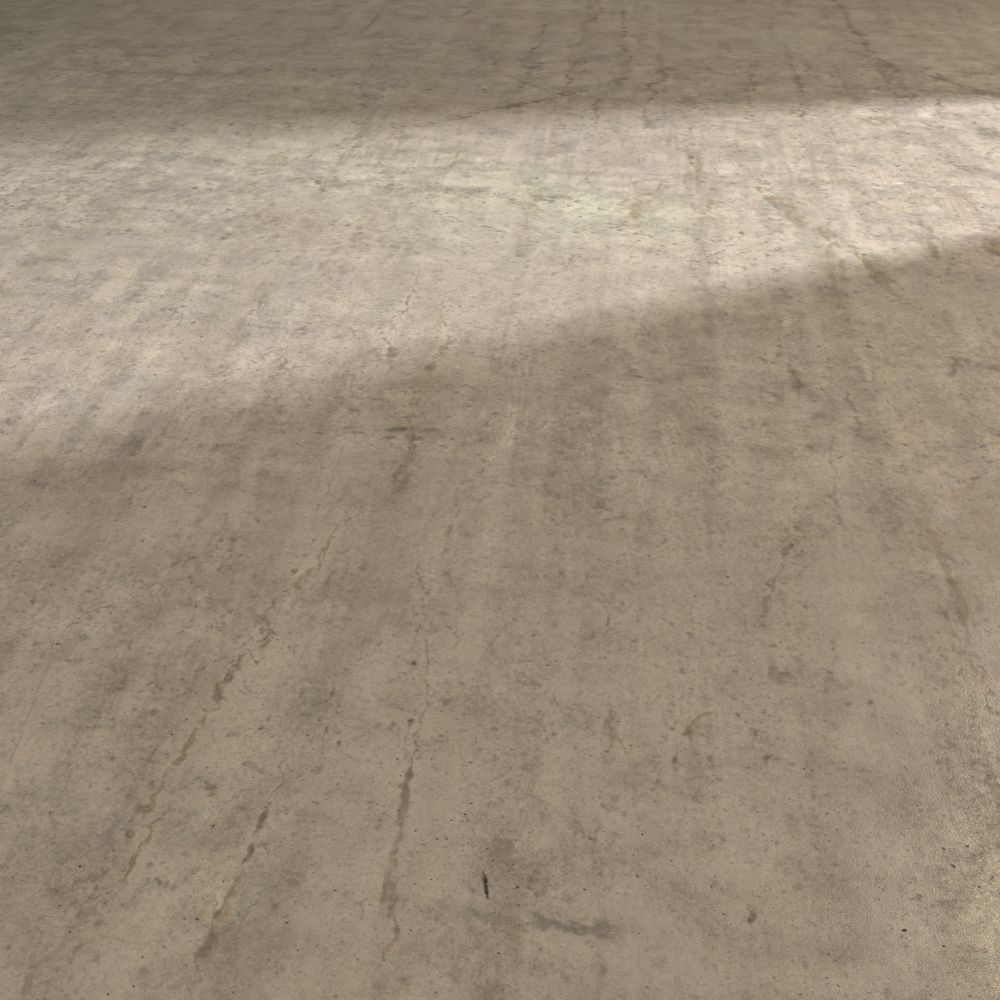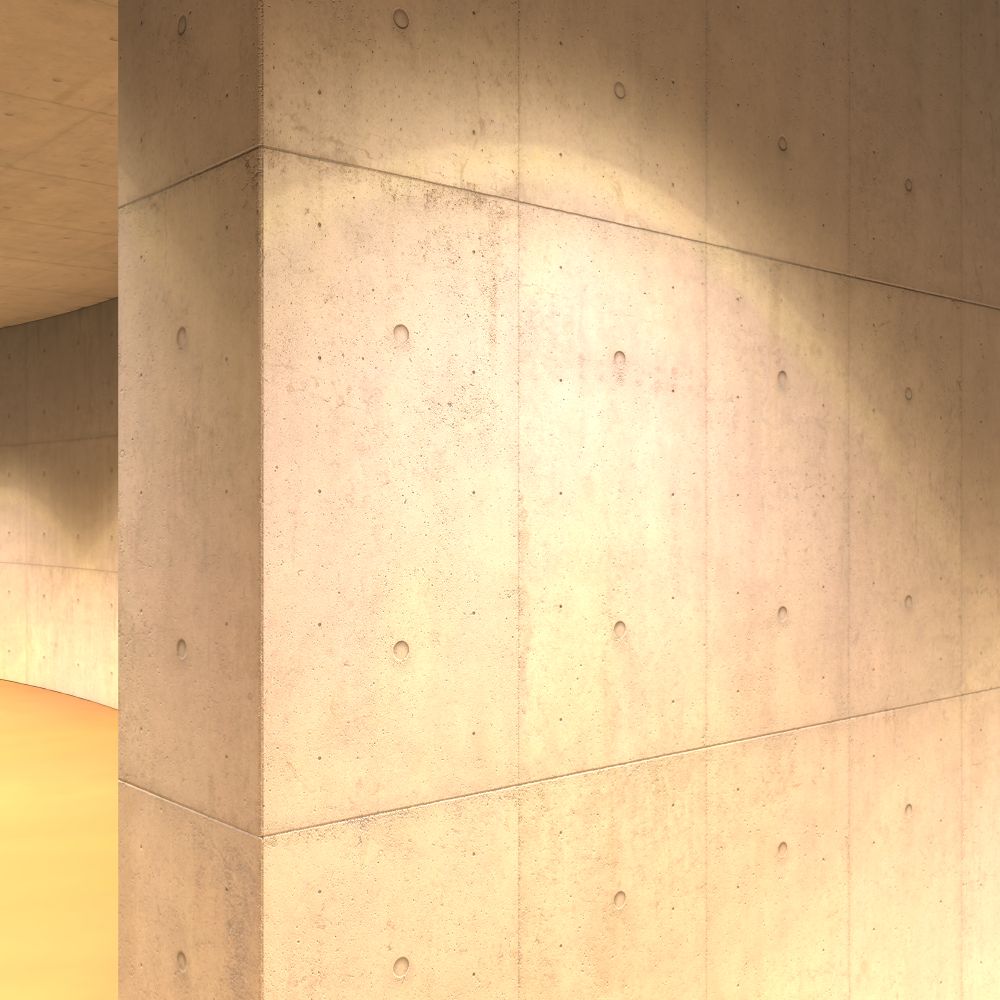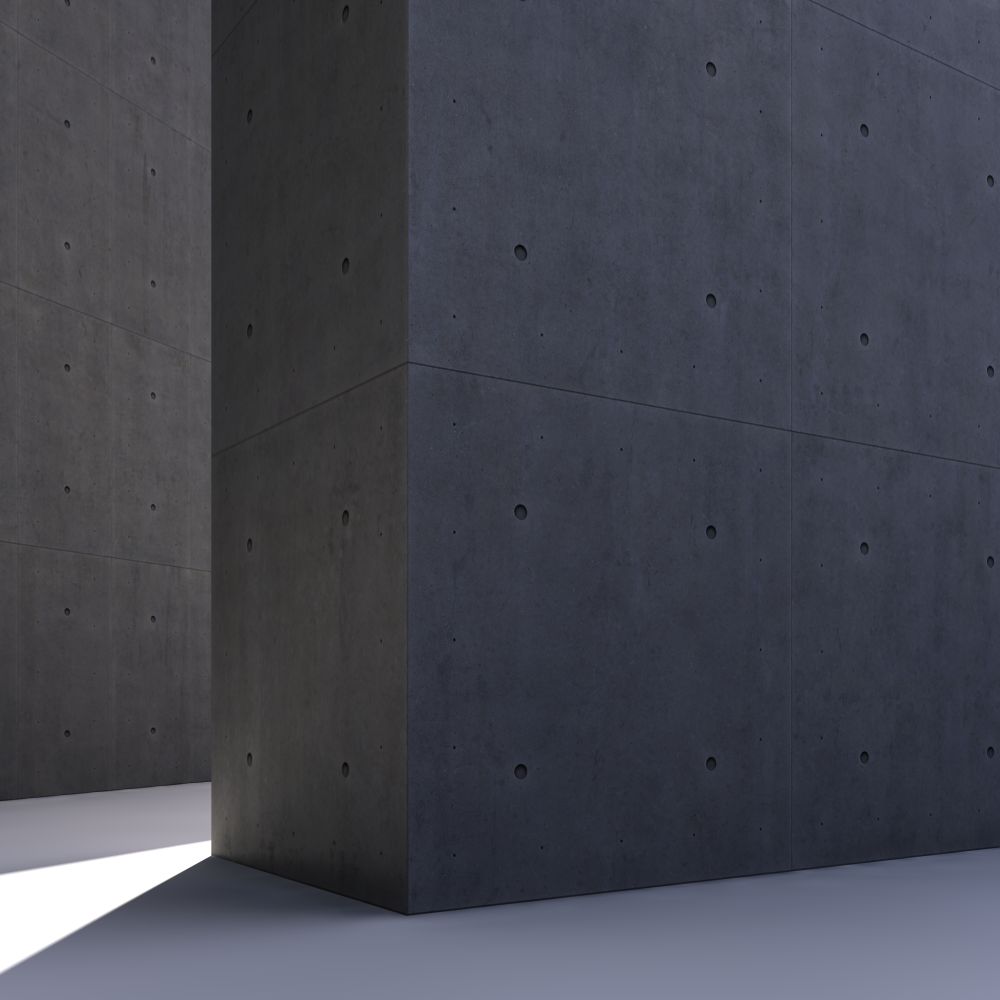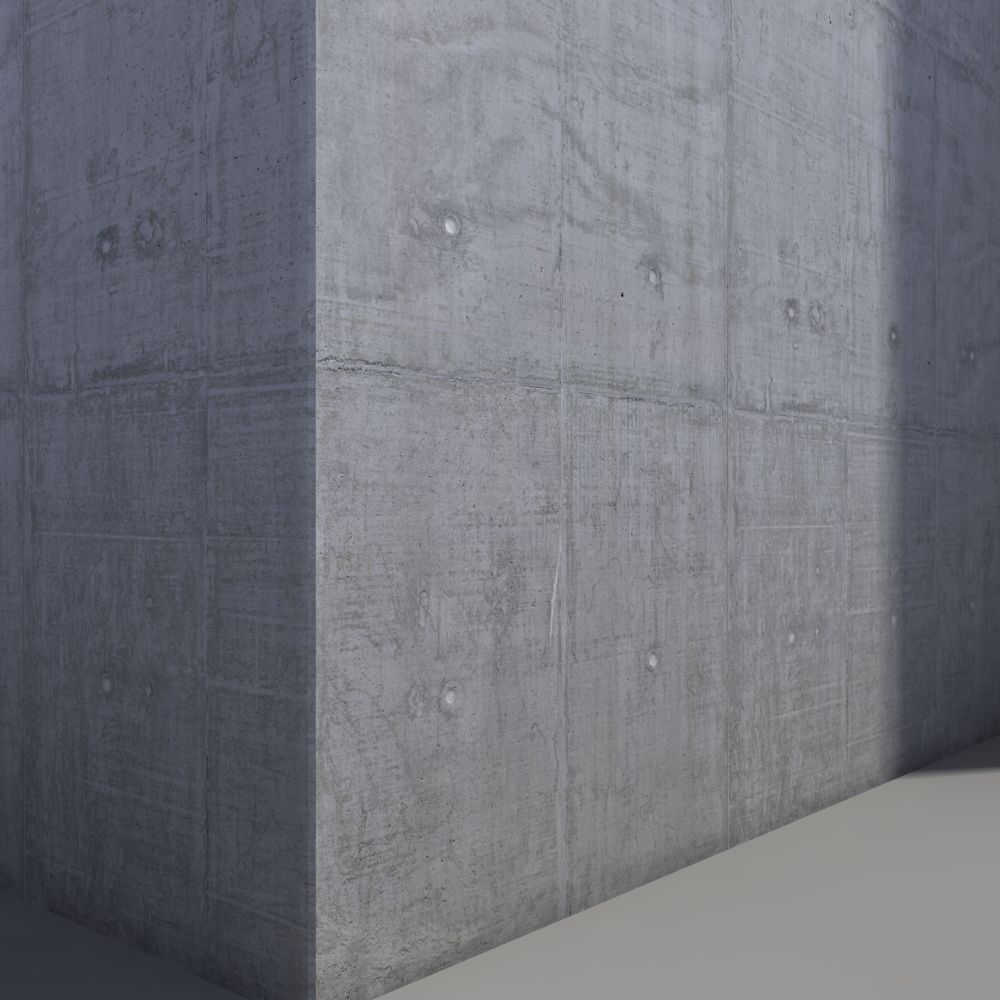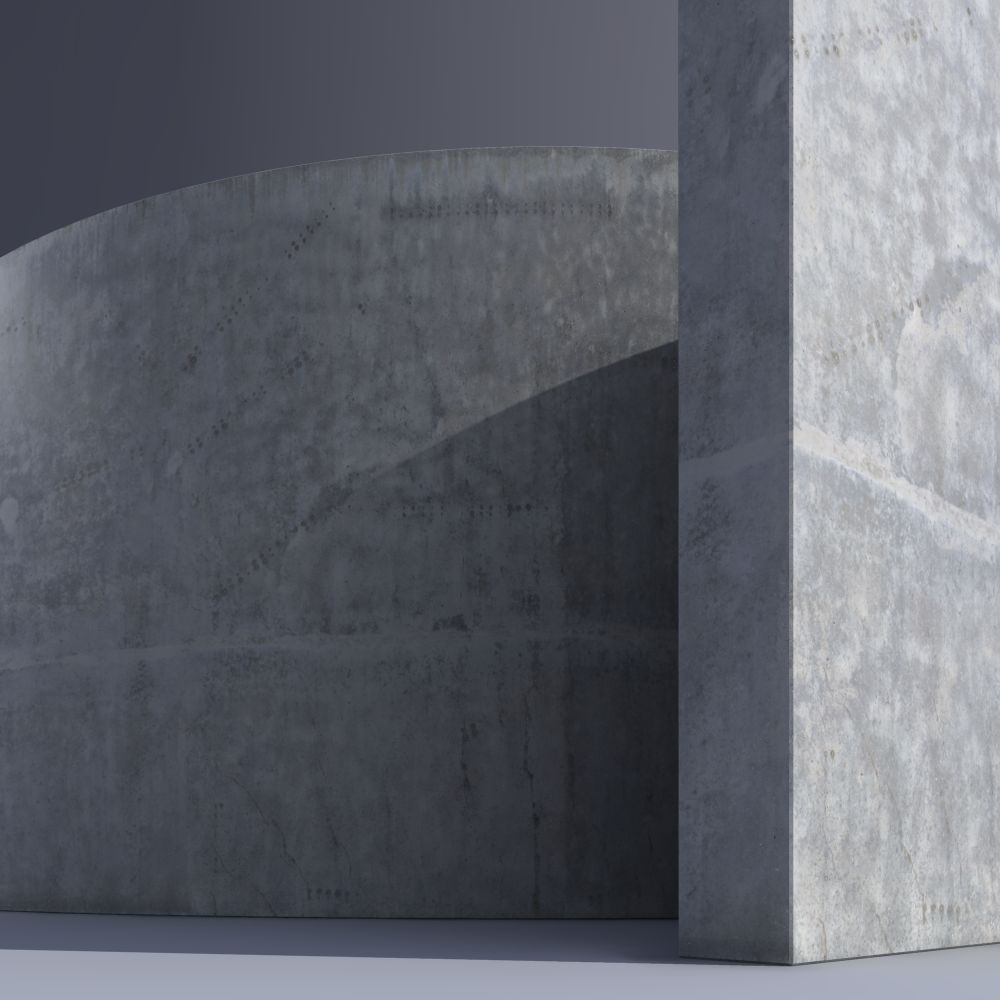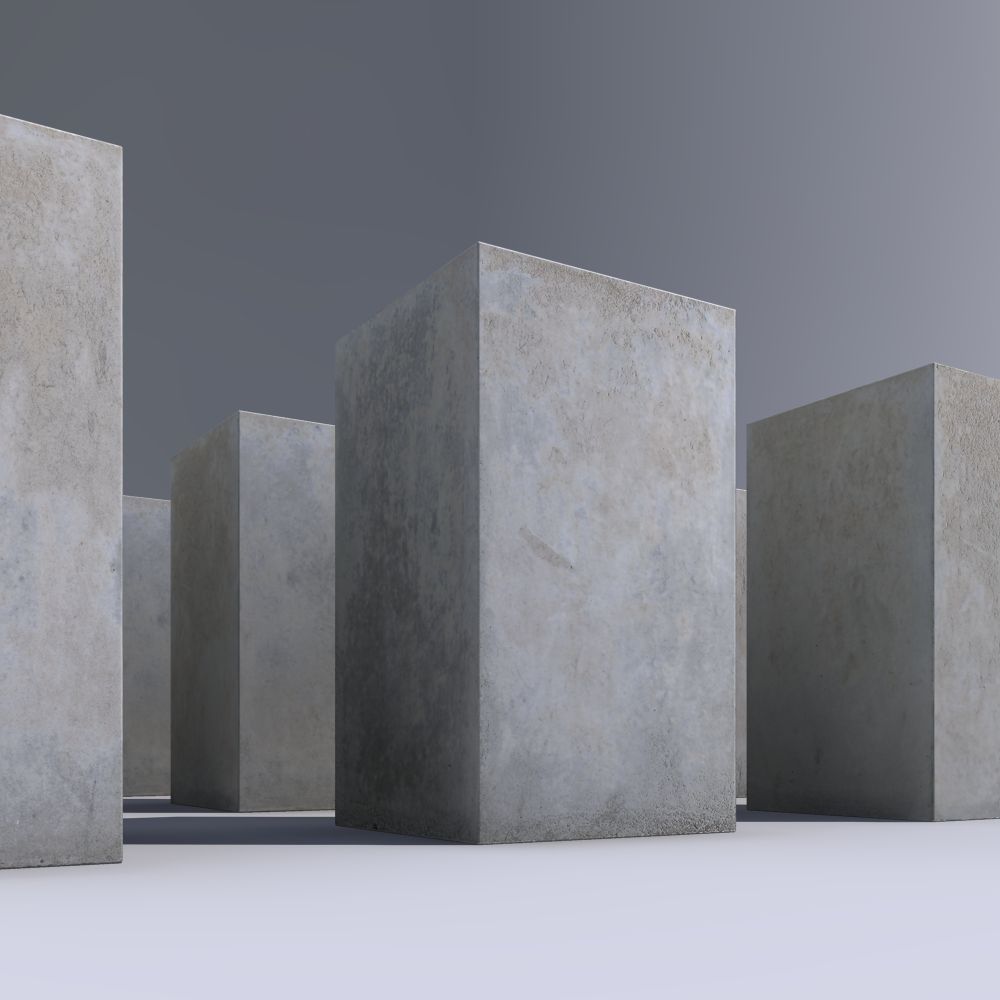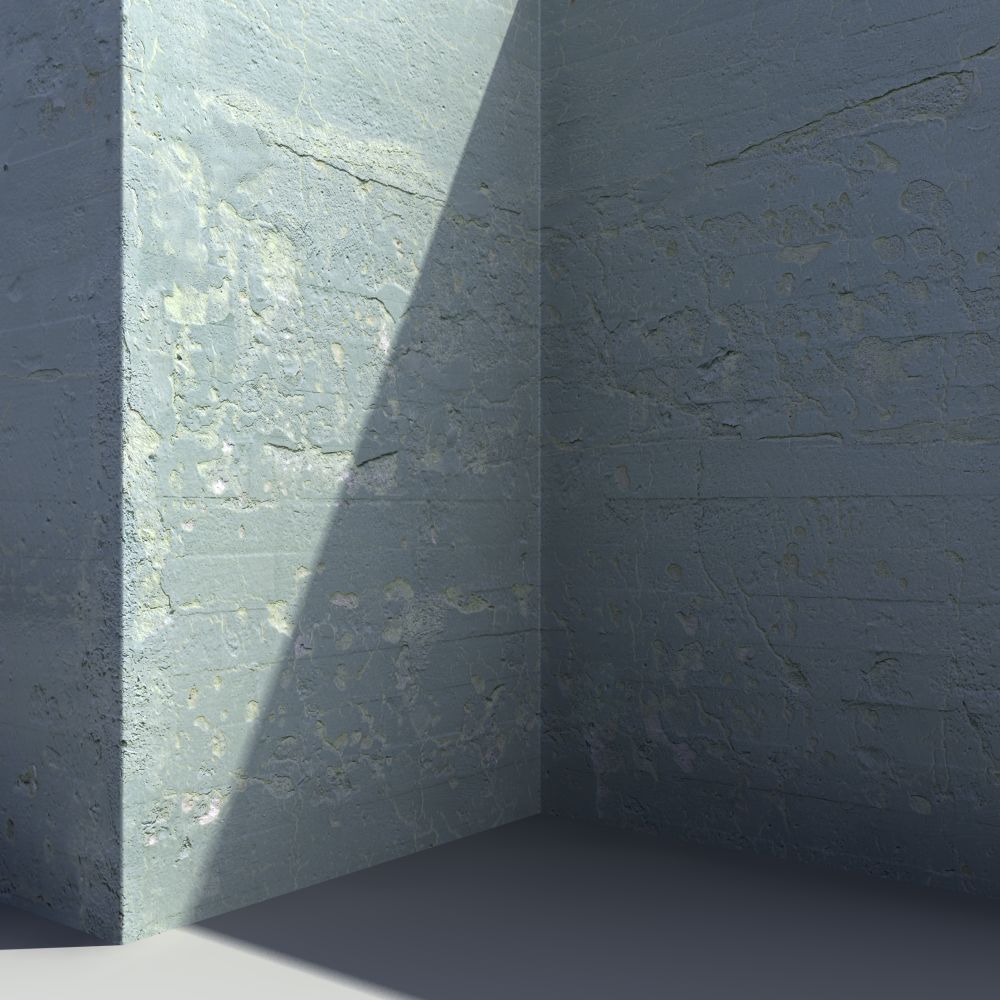
This collection is all about concrete – the marble of the 20th century, as it has derisively been called. Whatever your attitude towards concrete may be, it is undoubtedly still the most important building material of our age.

The collection contains 50 multi-layered high-res textures, each consisting of diffuse, bump and specularity map – now updated with new maps and materials!

Main Features

Textures

50 high-quality concrete textures

Large Area

25m² on average covered by each texture

Updated!

With new maps and materials

pack_concrete-1_360

39,00 

  • Learn more about our licensing models here.

Included Textures
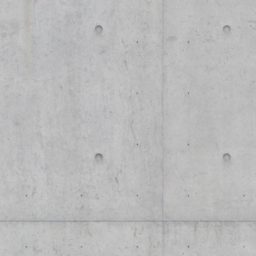
 

All textures
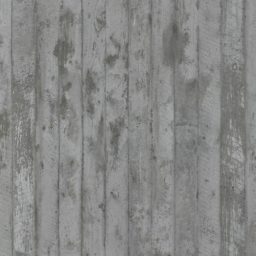
View all included textures, along with all specifications and accessories. Download a free version of every texture!

Updated!

This is an updated version of the original release. Here’s what’s new:

  • New normal and bump/displacement maps – Created from the original footage with help by specially developed software
  • Reworked and enhanced specular maps – Can now directly be used as a roughness map with modern renderers
  • Adjusted diffuse maps – Calibrated albedo, based on photographic reference
  • 4K square version – Fully seamless and optimized for real-time applications
  • Ready-to-use material setups – Starting with Coronaâ„¢ and Vrayâ„¢ (for 3ds Maxâ„¢ 2020+). More to follow according to demand (let us know below!)

Already purchased this product?

The update is free!

Log-in to your customer account to access the new files.
My Purchased Files

Details

Concrete

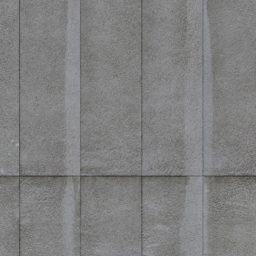
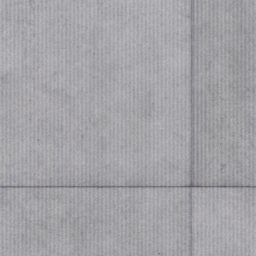
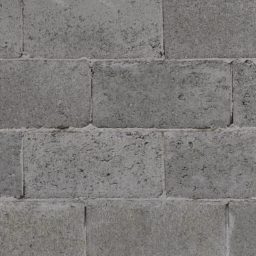
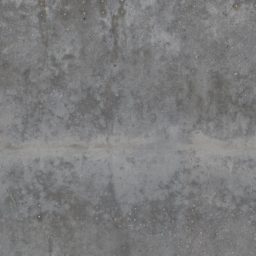
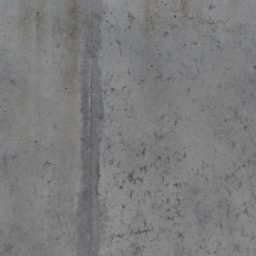
The collection contains 50 large-scale concrete textures, including slabs, bricks, floors, as well as various types of formwork.

Diffuse Map
Normal Map
Bump/Displacement Map
Specular Map
Previous slide
Next slide

New & Improved Maps

Each texture consists of maps containing information to surface normals, surface height, and specular reflectivity – all essential for realistic rendering results.

concrete-1_area-vs-resolution_02

Area vs. Resolution

Resolution is not the sole factor when judging a texture’s quality. Another one is the real-world size of the area covered, which should always correspond to the texture’s application, i.e. a texture meant to cover a wall should be the size of a wall.

The textures of this collection each cover an area of over 20m² (215 sq. ft) on average, while still providing enough resolution for medium close-ups.
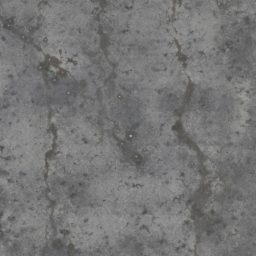
New ready-to-use materials

We have included ready-to-use material setups for Coronaâ„¢ and Vrayâ„¢ (both for 3ds Maxâ„¢ 2020+). Materials setups for other software following soon! Let us know below which we should prioritize.

How to Use

Normal Maps vs. Displacement

While displacement mapping usually yields far superior results, normal mapping has its uses. For games and other real-time applications, normal maps are still indispensable. And even in 3D rendering, normal mapping is often sufficient where the displacement effect is too subtle to be noticed (e.g. when viewed from far away).

Please note that our normal maps are flip-Y encoded by convention, meaning the Y channel (green) needs to be inverted within the material settings.

Correct gamma settings for maps

When adding texture maps to a material, the correct gamma setting for the map should be set. Please consult the documentation of your rendering software to learn how this is done.

Map typeGamma setting
Diffuse (_d), Specularity (_s)Gamma 2.2 (Default Gamma)
Normals (_n), Bump (_b)Gamma 1.0 (No Gamma)

Vary material parameters

We chose a good average when preparing the ready-to-use materials, but none of these values should be seen as set in stone. Experiment with roughness and displacement settings to easily adjust any material to your needs.

For example, you could increase the brightness of the specular map (e.g. via its output multiplier) to make the material appear shinier.

Texture file management

Best practice is to copy all texture files to a local hard drive to have them at the ready. Use an SSD for faster access speeds. Put map files into appropriate sub-folders, e.g., ‘maps\concrete’.

Tell your rendering software where to look for texture maps. Most offer a configuration dialog where you can add new folders.

Downloads

  • Reference Guide – Concrete-1

    Reference guide book for Concrete – Volume One, 52 pages.

    pdf | 17.0 MB – Download

Specifications

  • 50 multi-layered textures
  • Area covered on average approx. 25m²; over 1100m² in total
  • Map resolution around 36 megapixel (e.g. 6000px x 6000px)
  • NEW: 4K square and fully seamless version of every map
  • Each with diffuse, specular, bump/displacement and normals maps (204 maps in total)
  • Ready-to-use material setups for Coronaâ„¢ and Vrayâ„¢ (both for 3ds Maxâ„¢ 2020+), materials for other renderers to follow
  • 7.8 GB in total
  • Texture reference guide (PDF format)